How to Keep a 2-Year-Old Busy Without Screens
Practical screen-free swaps using household items. Replace screen time with play that actually holds attention, no craft store required.
You’re not a bad parent for handing over the tablet. But if you’ve been wanting to cut back on screen time and don’t know what to replace it with, this guide gives you concrete swaps, not guilt trips.
Why Screen-Free Play Matters (Briefly)
We’re not here to lecture. The short version: hands-on play builds fine motor skills, creativity, and problem-solving in ways that passive viewing doesn’t. It also tends to produce calmer post-play behaviour compared to the post-screen meltdown many parents know well.
For a deeper dive with actual research numbers, see our screen time vs play time guide.
The Swap Framework: Replace, Don’t Remove
“No more iPad” without an alternative is a recipe for screaming. The trick is to have a replacement ready before you turn the screen off. Here’s a simple pattern:
- Give a 2-minute warning (“Two more minutes, then we’ll play with water!”)
- Have the next activity already set up on the table or floor
- Transition together: sit with them for the first minute of the new activity
- Step back once they’re engaged
10 Screen-Free Swaps Using Household Items
Every activity below uses things you already have. No craft store run, no Amazon order.
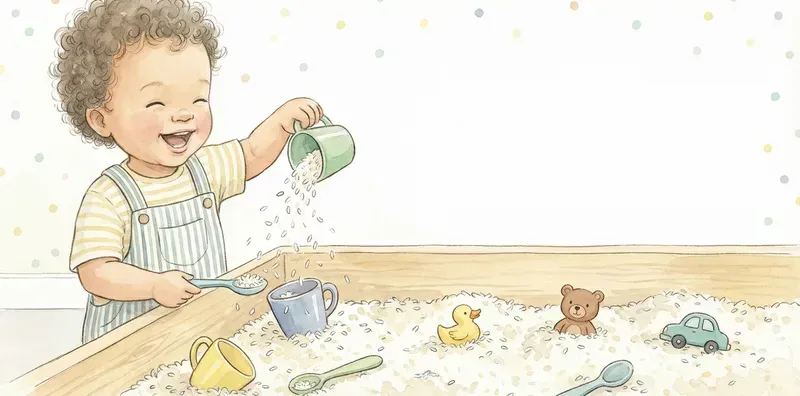
Sensory Rice Bin
Rice + cups + spoons in a bin.
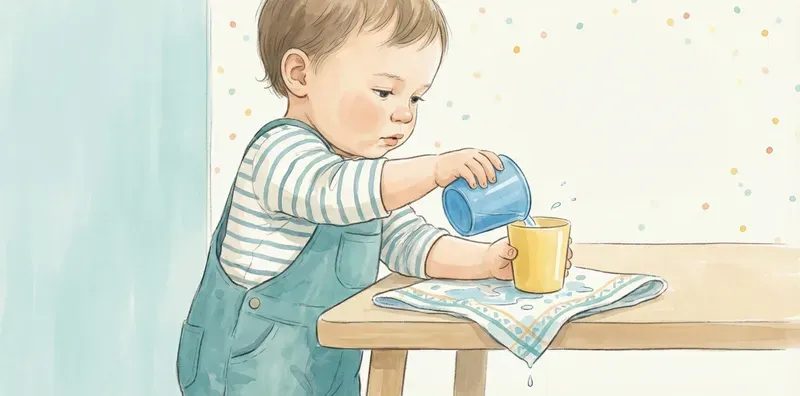
Water Transfer
Two bowls, one sponge. Endless.
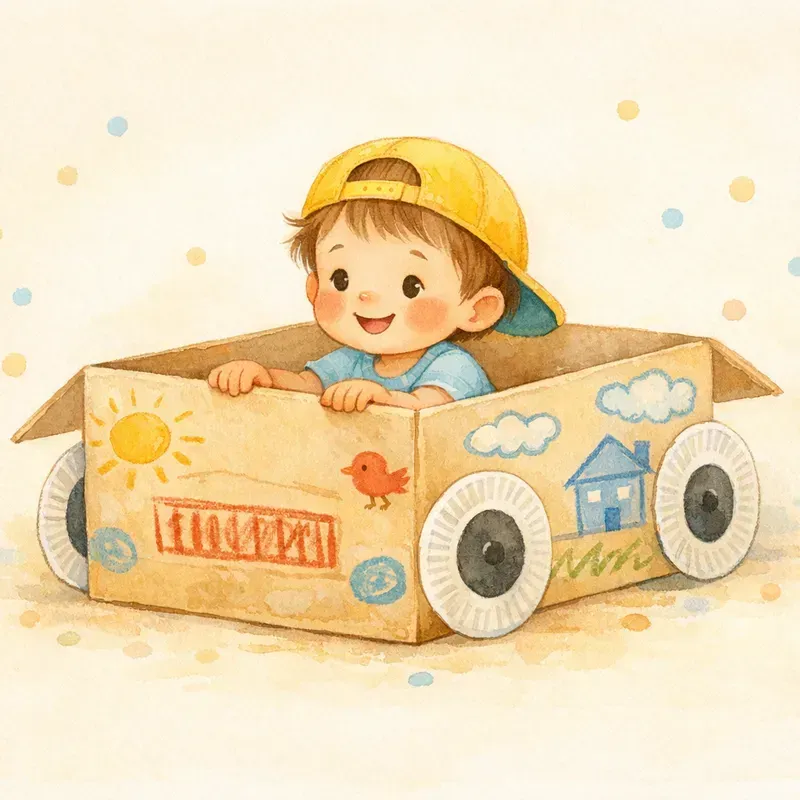
Cardboard Box Car
Any box + crayons = vehicle.
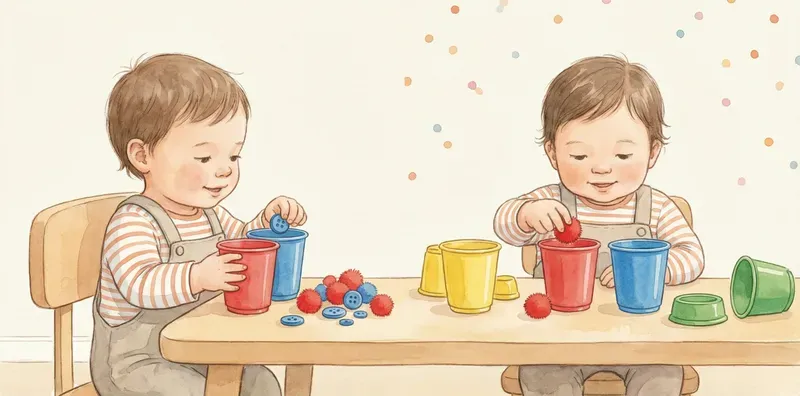
Sorting Colors
Bowls + coloured objects.
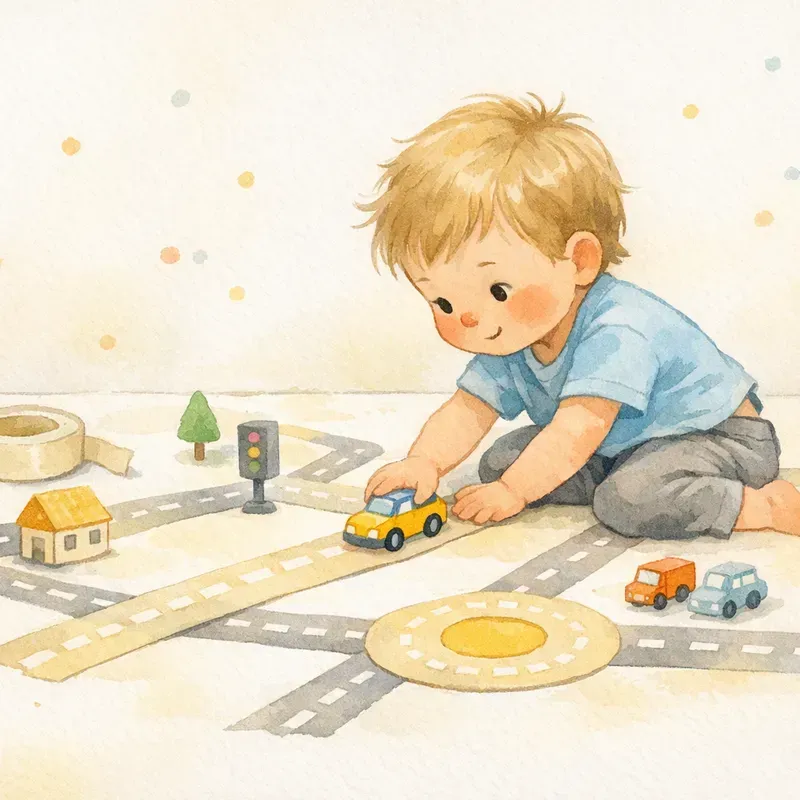
Tape Road
Painter's tape on the floor + toy cars.
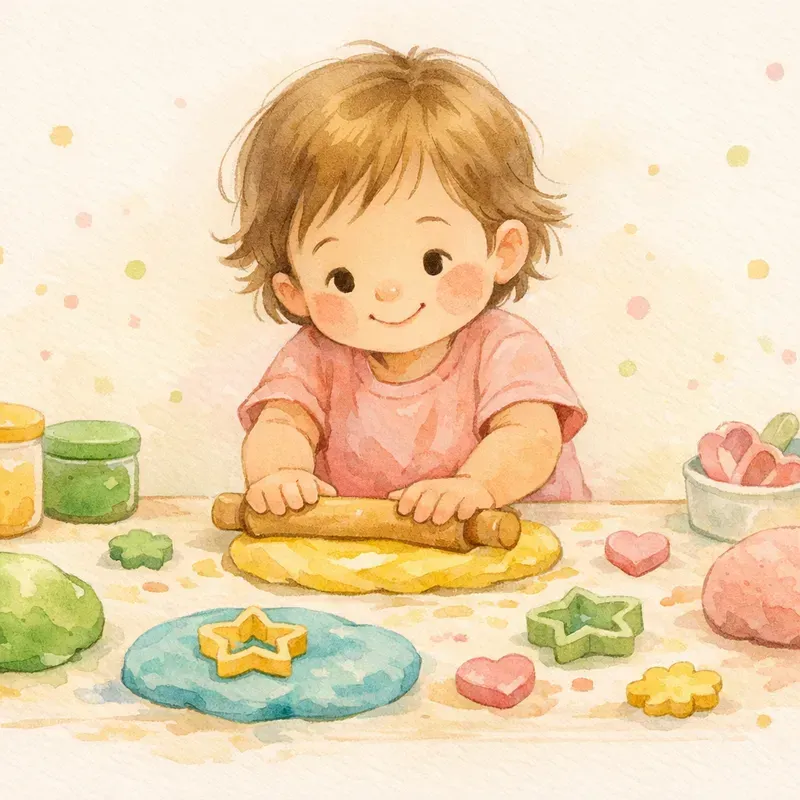
Play Dough
Store-bought or homemade.
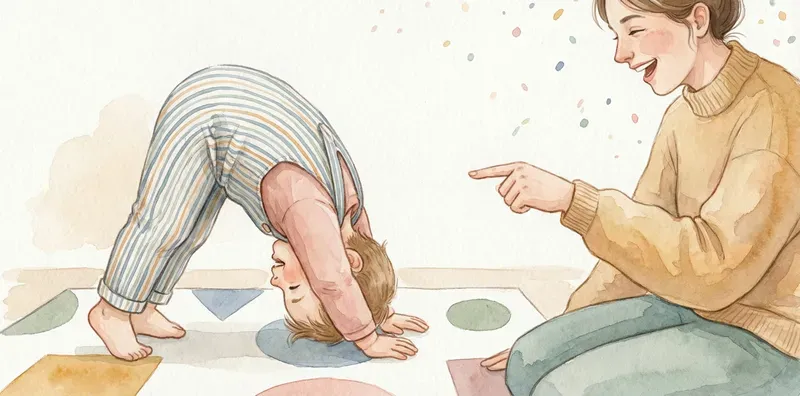
Body Letter Making
Form alphabet shapes with your body. Zero supplies.
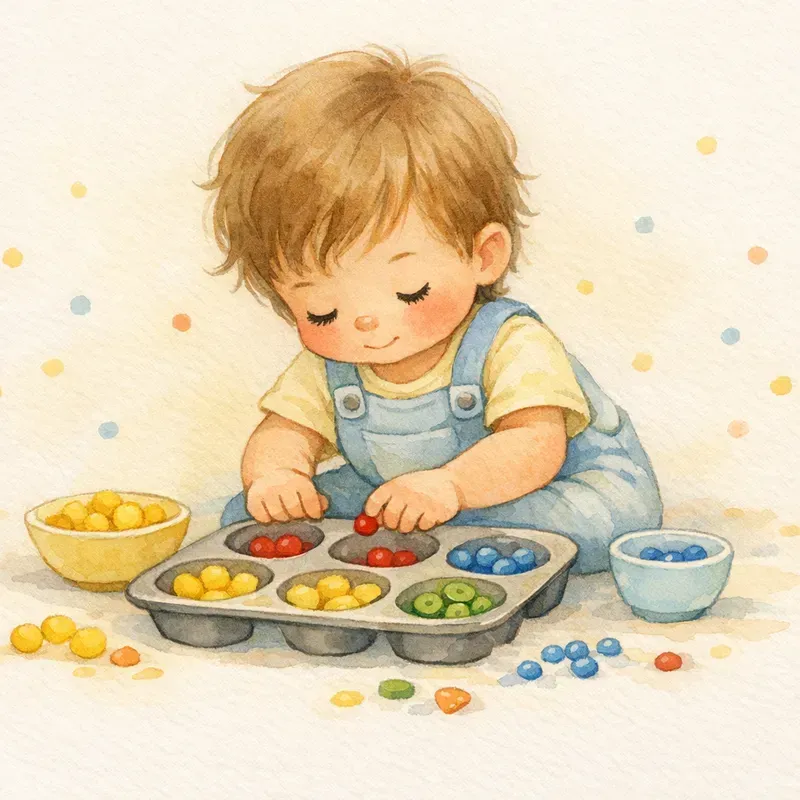
Muffin Tin Sorting
Muffin tin + small objects.
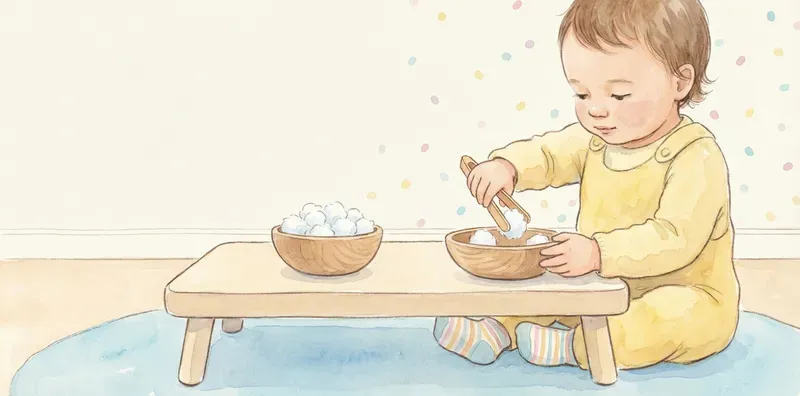
Cotton Ball Transfer
Tongs + cotton balls + bowls.
Browse all screen-free activities for the full list.
Building the Habit Gradually
You don’t have to go cold turkey. Try replacing one screen session per day with a hands-on activity. After a week, it becomes routine. After two weeks, your child might start asking for the rice bin instead of the tablet.
- Week 1: Replace the morning show with one activity from the list above.
- Week 2: Add a second swap, maybe during the pre-dinner window.
- Week 3: Let your child choose between two activity options instead of defaulting to a screen.
When Screens Are Fine
Video calls with family, a short show while you take a necessary phone call, a movie on a sick day. These are all fine. The goal is making sure screens aren’t the only tool in your toolbox. When you have easy alternatives ready, screens become a choice instead of a default.
Put it into practice
Try these activities
Sensory Rice Bin
- Age
- 1–4 years
- Time
- 15–30 min
- Energy
- Low-energy
- Mess
- Some mess
You'll need: Uncooked rice (2-3 cups), Large container or bin, Cups, spoons, small toys +1 more
Cardboard Box Car
- Age
- 1–4 years
- Time
- 10–20 min
- Energy
- Low-energy
- Mess
- No mess
You'll need: Large cardboard box, Crayons or markers, Paper plates (optional wheels)
Color Sorting Cups
- Age
- 1–4 years
- Time
- 5–15 min
- Energy
- Low-energy
- Mess
- No mess
You'll need: Colored cups or bowls (3-5 colors), Small colorful items (pom poms, blocks, crayons, buttons), Tongs or spoon (optional)
Body Letter Making
- Age
- 3–6 years
- Time
- 10–20 min
- Energy
- Hands-on
- Setting
- Indoor
You'll need: Clear floor space, Letter cards (optional), Music player (optional, for freeze dance version)
Keep reading
Related guides & topics
Common questions
Is some screen time okay for a 2-year-old?
What keeps a 2-year-old busy the longest?
How do I handle tantrums when I turn the TV off?
Need an idea right now?
Skip the scrolling, tell the generator your child's age and how long you've got.
Get an activityStay stocked with ideas
A few fresh play ideas, every now and then.
Practical activities and short parenting reads, no spam, no fluff, unsubscribe anytime.
Written by the TinyPlay team
We're parents who got tired of complicated activity ideas. Everything here is practical, low-prep, and built around how toddlers actually play, no ads in your face, no sign-up walls, no Pinterest pressure.